Cloud furniture rendering: fast renders on weak laptops
Cloud furniture rendering in prosciej.com: a server with a powerful GPU renders while your laptop stays fast. Pay with tokens from 4 per photo.
Cloud furniture rendering is a new option in prosciej.com for anyone working on a laptop. Without a powerful graphics card, three shots with all effects enabled can take up to 20 minutes. Now, the same render is processed by a remote server with a powerful GPU, available in the Standard plan and higher. In the video, three photos in Max quality with additional options were ready in 84 seconds. Time depends on the scene, quality, and the graphics card queue.
Furniture rendering consistent with the project
The server uses the exact same render engine as your computer, so it displays precisely what is in the project. When a client requests a different angle, they get the exact same cabinet.
How to render on the server
- In the room view, enter "Render mode" and take up to three frame photos.
- On the "Prosciej Render" tab, select the quality, and under "Where to render", choose the "Server" tile. You will see the job price and estimated time. Without tokens, the tile remains disabled.
- Click "Render (3) on server".
- Click "Exit" and keep working. The render will not be interrupted, though the photo strip will clear. Progress is shown by the cloud icon, and images will be waiting in the gallery.
Photos are processed simultaneously. One job runs per account at a time, so you can send the next one once the previous is completed.
How much cloud furniture rendering costs
You pay per photo, without buying an expensive graphics card. Draft and Standard cost 4 tokens, High costs 7, and Max costs 10. A pack of 1,000 tokens costs 100 PLN net (123 PLN gross), making a Max photo equal to 1 PLN net. The Standard plan does not include free tokens; you can purchase a pack on the "Your plan" page. The same tokens are used for AI visualizations.
You cannot stop a job once submitted, but if the server fails to render a photo, its tokens are refunded.
Render options: bloom, time of day, glass, and lacquer
"Additional options" show the client how the front catches the light and how the wardrobe looks at a chosen time. Choose a style like Natural, Evening, or Catalog, or toggle individual options, including "Bloom and glare" (glow around bright spots), "Time of day", "Glass and mirrors", and "Materials: roughness, lacquer".
Glass works on frame front fills; wall windows do not have glass panes. These options also work on your local computer and currently do not affect the token price.
Furniture rendering on a laptop vs. on the server
Rendering on your own computer remains available at no token cost. The server saves time on a low-spec laptop or when a client is waiting. Lighting and frame setup are described in the article on furniture rendering from a 3D project.
Plans including render mode can be found in the pricing list. You can try the editor itself without render mode in the demo, no account required.
More articles
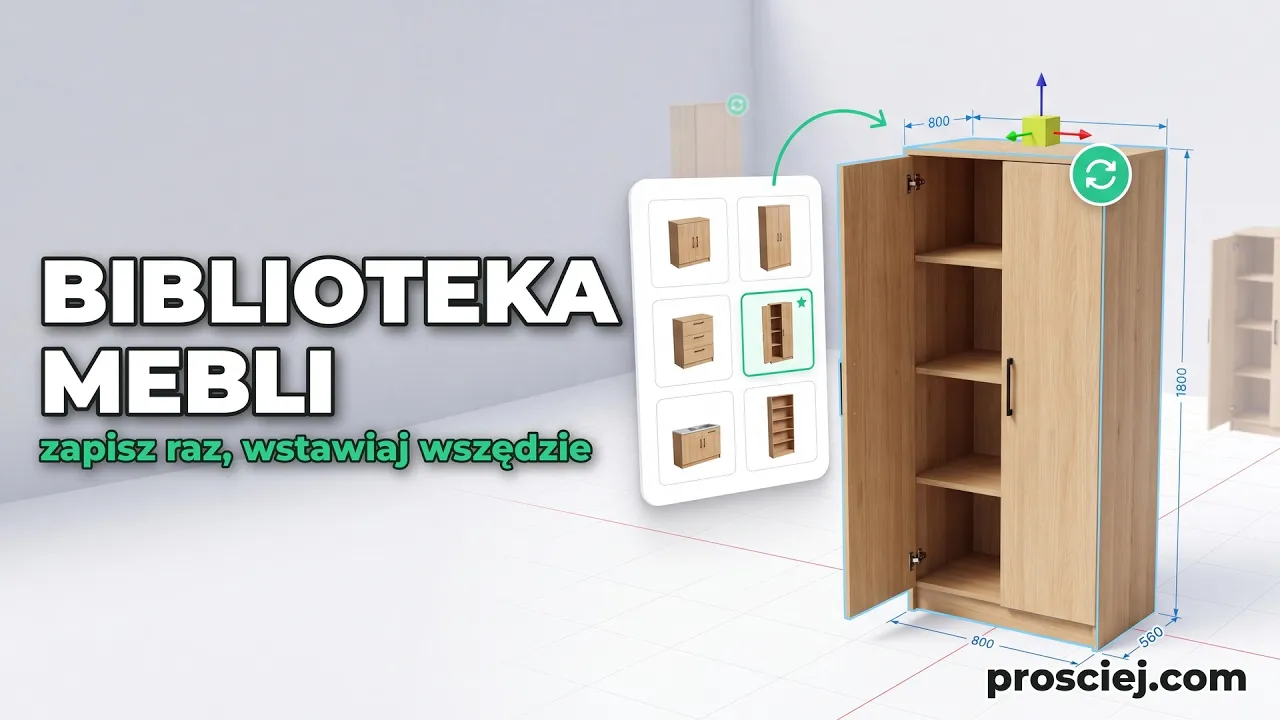
Furniture library: save a cabinet once, use it anywhere
Furniture library in prosciej.com: save a cabinet once, insert it into any project, and choose where to apply updates after making changes.
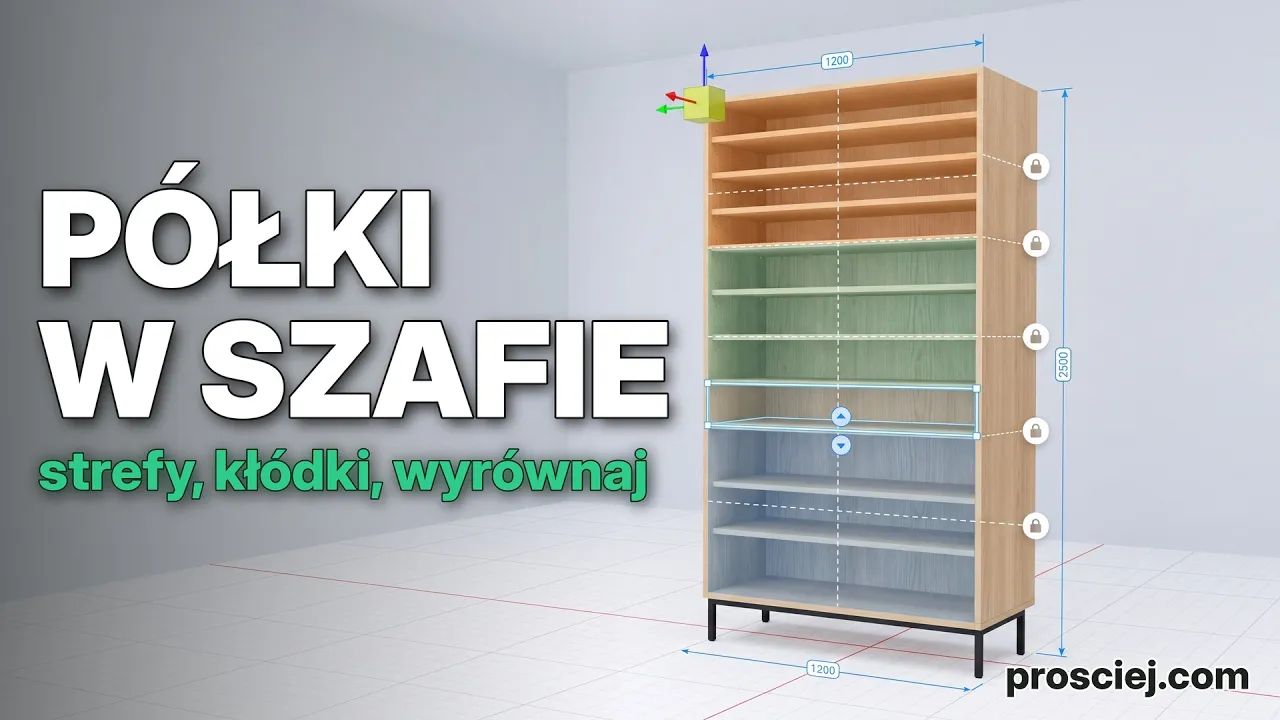
Cabinet Shelves: Spacing, Zones, Adjustable or Fixed
Configure cabinet shelves in one window: count, mm spacing, multi-gap zones, adjustable or fixed. Panel sizes calculate automatically.