3D Furniture Render: Lights, LEDs, and Roof Windows
3D furniture rendering in browser: lamps, LED strips, roof windows, token-free Prosciej Render, and client AI visualization.
In the preview of visualizations I showed a prototype. Now the render feature is in the program, under the Standard plan. I'm working on a wardrobe from a sloped ceiling unit: first lighting, then taking snapshots and comparing images.
Roof window in a sloped ceiling
In "Draw room", under the "Openings" step, I select the sloped wall and click "Window". The window fits into the roof slope: opening, frame, glass, dimensions along the slope. A vertical window in the knee wall is under "Window in wall". When a tall cabinet blocks a window, the program warns you in "Issues".
LED lighting in wardrobe and kitchen design
The "Lights" button in the left sidebar shows what is emitting light and suggests where to add more:
- Ceiling lamp — intensity, white or yellow color temperature, beam angle. You can add multiple lamps.
- LED strip under wall cabinets when the under-cabinet panel is enabled.
- LED strip at the top of a tall wardrobe with doors and above the hanging rail.
- Daylight — windows emit light automatically, and you move their light to adjust the angle it falls from.
You turn each light on and off individually. The "Day | Night" toggle decides whether sunlight comes in or only lamps and LEDs shine. Lights are not added to the cut list or the quote.
How to render furniture in the browser
- "Render mode" and "Very wide" lens to fit the furniture without stepping behind the wall.
- Open several doors and drawers to show the interior and LEDs.
- "Take snapshot" — up to three photos at once, e.g., day and night views.
- "Render" or "Generate" and go back to work. Progress is shown by a cloud icon, and finished images land in the gallery.
Prosciej Render vs. AI visualization for clients
Prosciej Render is computed on your graphics card and costs no tokens. It shows exactly what is in the project: the same fronts, the same layout. If the client asks for another angle, you rotate the camera and get the exact same wardrobe. Render time depends on your computer.
AI visualization is computed in the cloud from selected models. It looks impressive, but it can alter front colors or add lights that aren't there. The "Before / after" slider in the gallery makes this obvious right away.
Try it out
Plans with render mode can be found in our pricing. Test the editor and cabinet builder without an account in the editor demo.
More articles
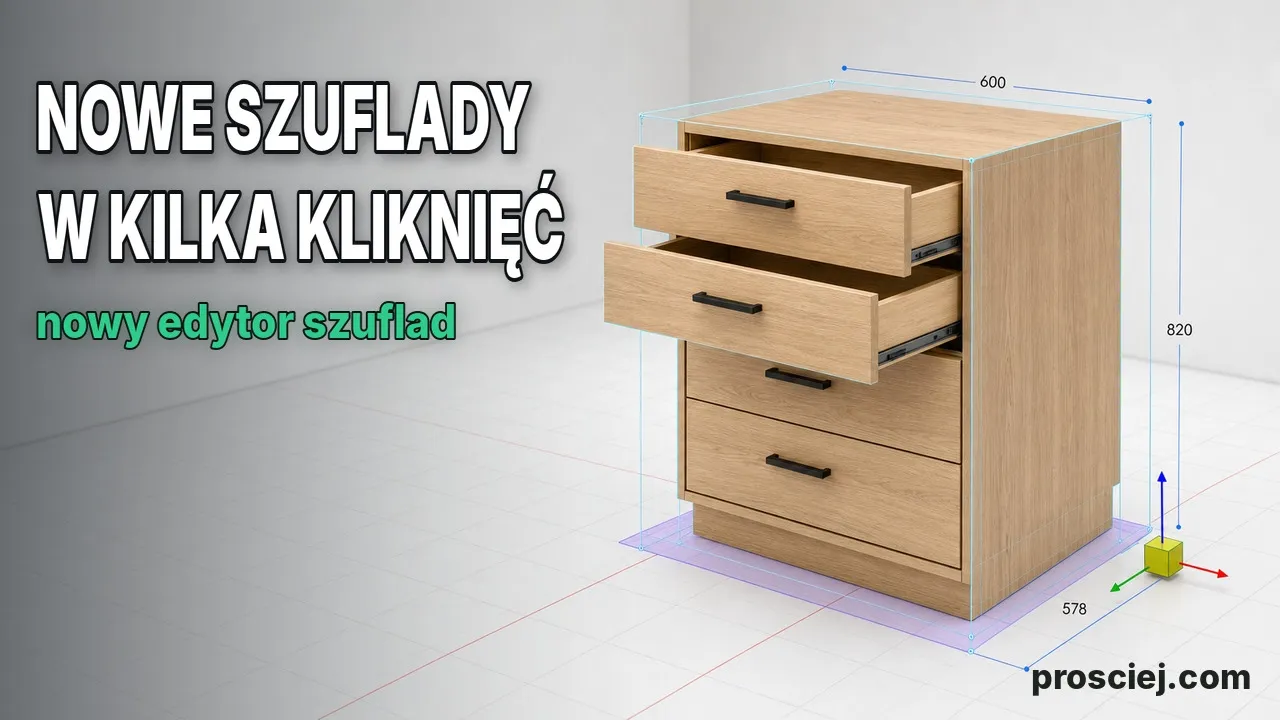
Dividing Cabinets into Drawers: Front Heights in 3D
Divide cabinets into drawers in 3D: set front heights, add internal drawers, leave open spaces, configure handles, and adjust dimensions easily.
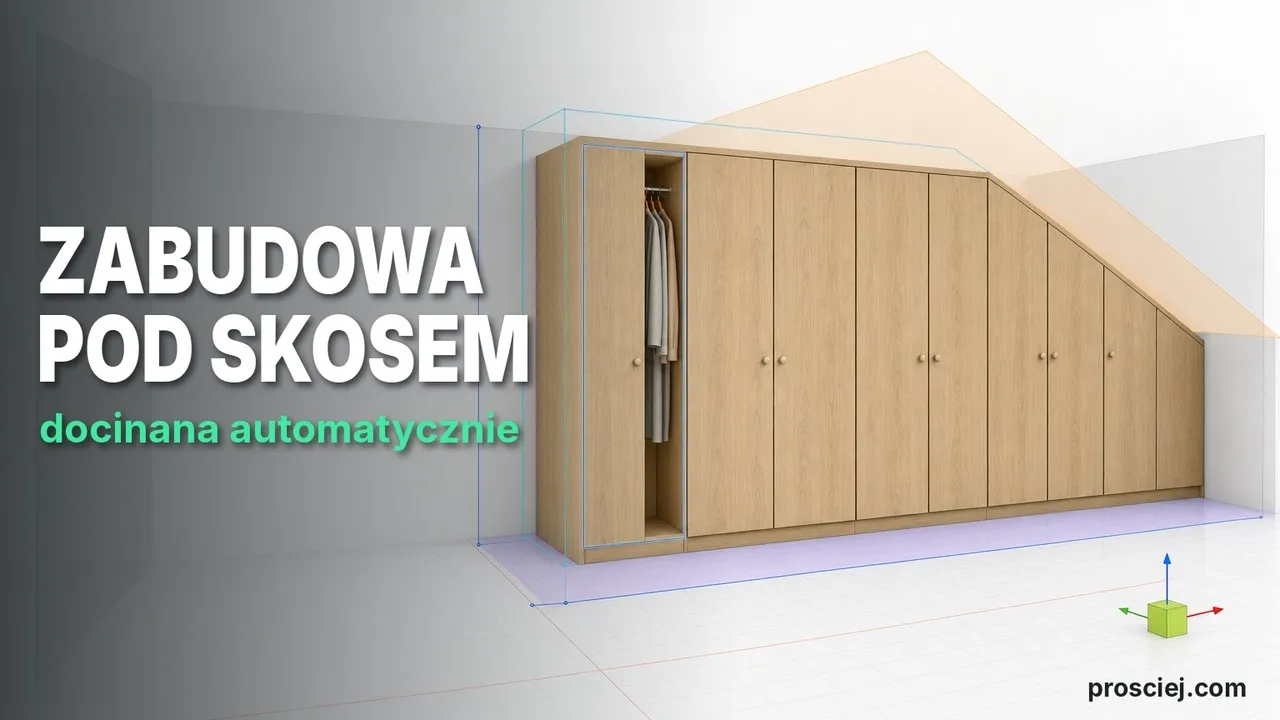
3D Sloped Fitted Furniture: Slanted Cut Panels
3D sloped fitted furniture: slanted cabinet units, fillers, and doors, ceiling-high fronts with bevel angle, and client drawings.