Online Furniture Design Without Install: Performance Test
Does a browser 3D furniture editor handle a full room layout? A 1-minute clip of a large scene and an explanation of where the smoothness comes from.
The first question I always get about browser-based furniture design software is the same: won't it lag on larger projects? The video is short because the answer doesn't require a lengthy explanation — it's one minute of work on a full room layout, recorded without cuts or speed-ups.
What you see in the one-minute clip
- A full room assembly, not just a single cabinet.
- Camera rotation and zooming with a large number of parts on the scene.
- Moving a panel in such a project, with the cut list recalculated immediately upon modification.
Why browser performance is a different challenge
Traditional furniture software is installed on a single powerful computer in the office and stays there. A 3D browser editor faces a harder challenge: the same model must run on a joiner's laptop, a Mac, and a Windows PC — with no drivers, no hardware-bound licenses, and no installation. That is why performance here is an architectural decision made at the start, not an optimization added at the end.
What a smooth viewport gives a workshop
Smooth performance is not a matter of comfort; it's a matter of error reduction. If rotating the camera takes a second, inspecting a piece of furniture from all four sides stops being second nature — and that is when a shelf colliding with a partition or a front overlapping a wall only surfaces during cutting or, worse, on-site assembly.
When the viewport keeps up with the mouse, you check the furniture as many times as necessary. The same applies to the cut list: since it recalculates immediately after a dimension change, you see the cost impact of a decision before confirming it. I walk through the full workflow from room dimensions to PDF quote and DXF cutting layout in the full demo.
What to do as the project grows
A large scene is not just about frames per second, but also about keeping your bearings in the project. That is why a single piece of furniture can be opened in a separate tab — like a sheet in a spreadsheet — and edited in isolation, without the rest of the room on screen. You return to the full view only when you want to check how the piece fits into the room assembly.
It also helps that an entire apartment fit-out fits into a single project rather than several separate files — I describe multiple rooms in one project separately.
Test it on your hardware, not mine
You don't need to trust the video or my laptop specs. The editor demo is open with no account required — open it on the computer you actually work on, insert a dozen cabinets, and see how it responds. It is the only test that matters. To see what else you get alongside the editor itself, check the pricing.
More articles
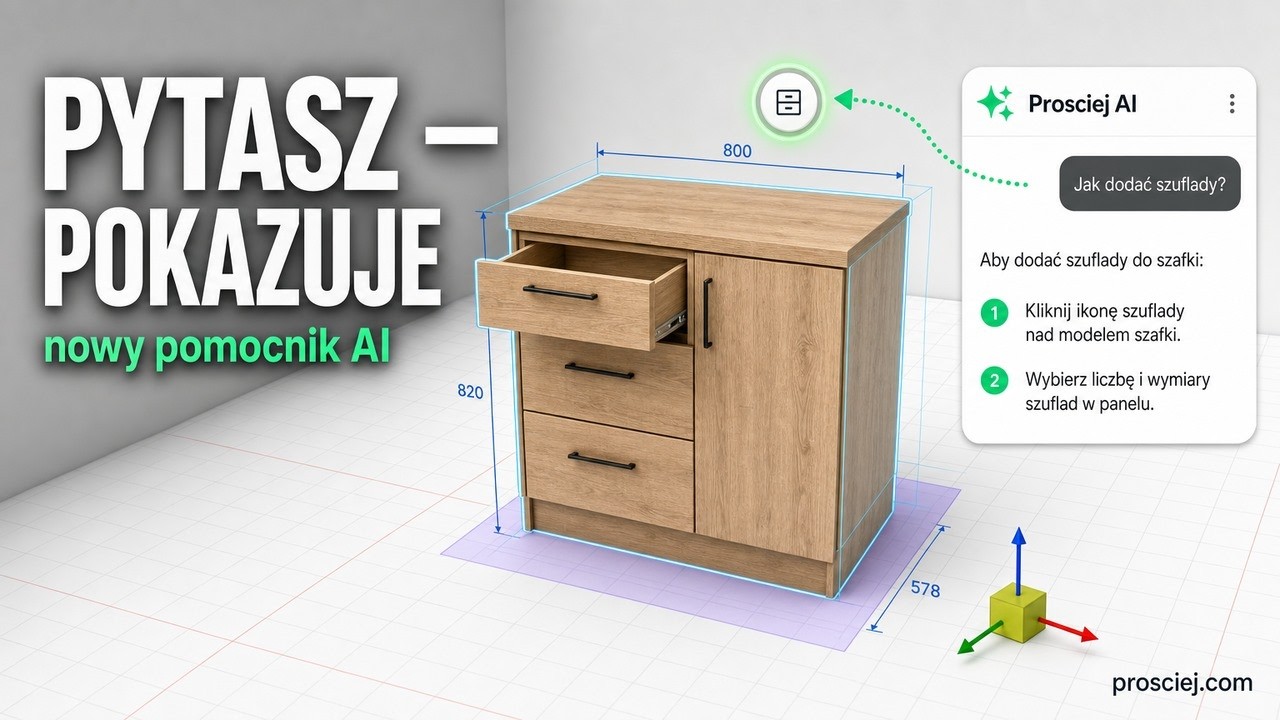
Furniture design software assistant: ask where to click
3D furniture editor Assistant: type what you want to do and it highlights the button step by step. Plus tall kitchen units and appliance niches.
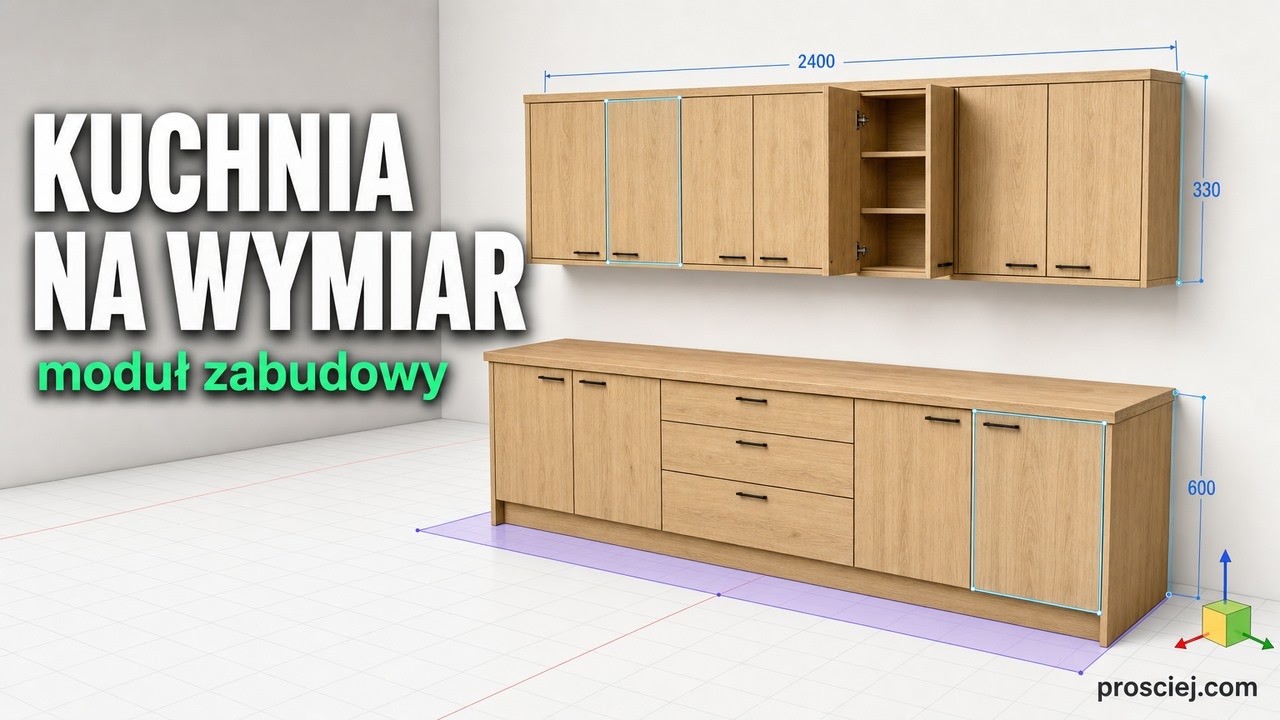
3D Kitchen Built-in: Base and Wall Cabinets Effortlessly
3D kitchen built-in: base and wall cabinets with custom depth, library units fitted to size, bottom cladding, and full-length countertop.