3D furniture editor: panel snapping, groups, and undo
Part two of 3D furniture editor updates: snapping panels, grouping, history with undo/redo, and improved panel selection.
Designing furniture from panels involves hundreds of small moves a day: hitting a panel, snapping it flush, or undoing a mistake. This video is the second batch of updates to the Prosciej 3D editor, all focusing on these micro-interactions rather than massive new features.
What changed in the editor
- Panel selection: dragging with the left mouse button rotates the camera, while selecting requires a clean click. No more accidental panel shifts when rotating the view.
- Snapping to walls and edges: panels snap to the grid, room walls, and adjacent furniture, so seams align seamlessly without manual adjustments.
- Grouping panels into furniture: combine selected panels into a single unit to move, copy, and paste them as one element.
- History of changes: undo and redo with Ctrl/Cmd+Z and Ctrl/Cmd+Shift+Z, alongside a clickable step history to jump back to any point in the design.
- Dimension sliders: set width, height, and depth using a slider or numerical input, configured separately for the room and individual panels.
Why these specific features
In furniture design software, time isn't lost on design decisions, but on fighting the tool. If selecting a panel takes three attempts and undoing an error means recreating the last five actions, that adds up to an hour a day on a kitchen build with dozens of panels.
How this affects the panel list and quote
Accurate snapping directly impacts your documentation. A panel snapped flush means correct dimensions on the panel list, accurate board area in the quote, and precise contours in the DXF cutting layout. A panel offset by two millimeters because your hand slipped while rotating the camera only catches up to you during cutting.
The panel list recalculates in real time, showing the impact of every change immediately — no export required to verify. I demonstrate the complete workflow from room dimensions to final documentation in the demo from dimensions to quote and DXF.
Keyboard shortcuts
Undo and redo aren't the only shortcuts available. Pressing the question mark key opens a cheat sheet with all editor shortcuts, eliminating the need to memorize them or search the documentation. For repetitive cabinetry work, this is usually much faster than clicking around the toolbar.
Where to try it
All updates shown in the video are live in production. The furniture editor runs directly in your browser on Mac and Windows, requiring no installation. Log in to your account or launch the editor demo to test them on your own design.
More articles
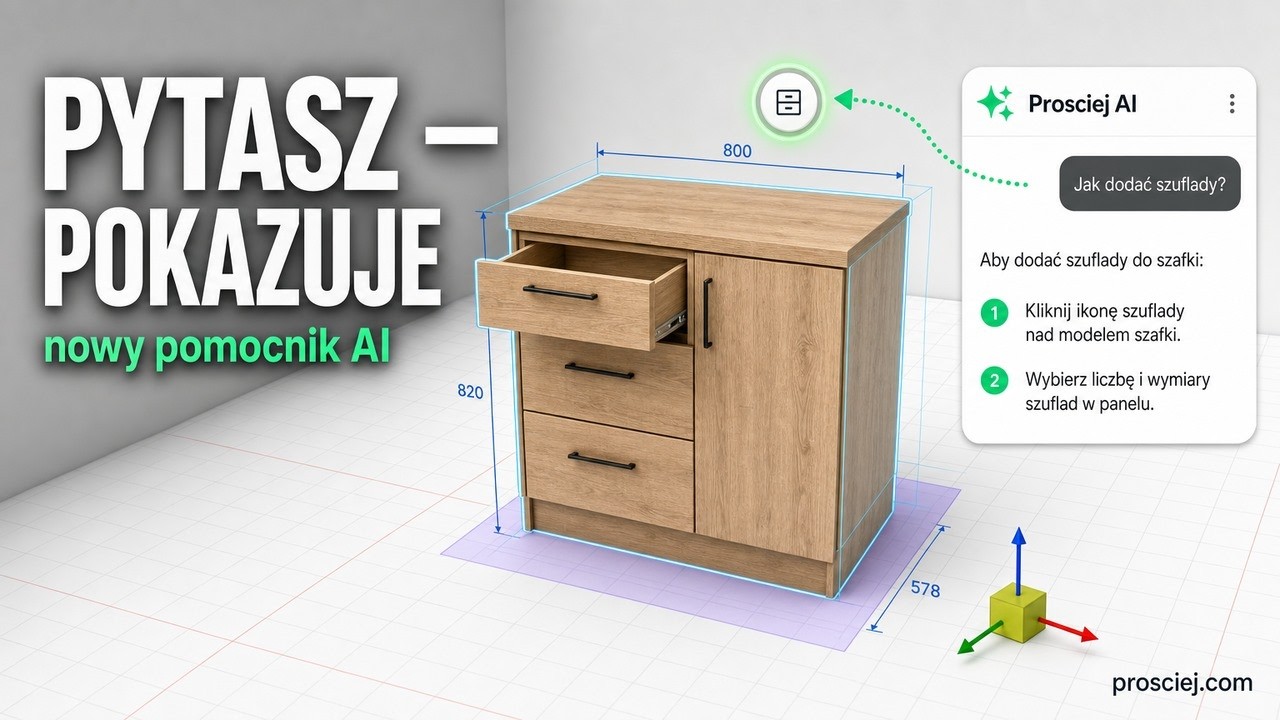
Furniture design software assistant: ask where to click
3D furniture editor Assistant: type what you want to do and it highlights the button step by step. Plus tall kitchen units and appliance niches.
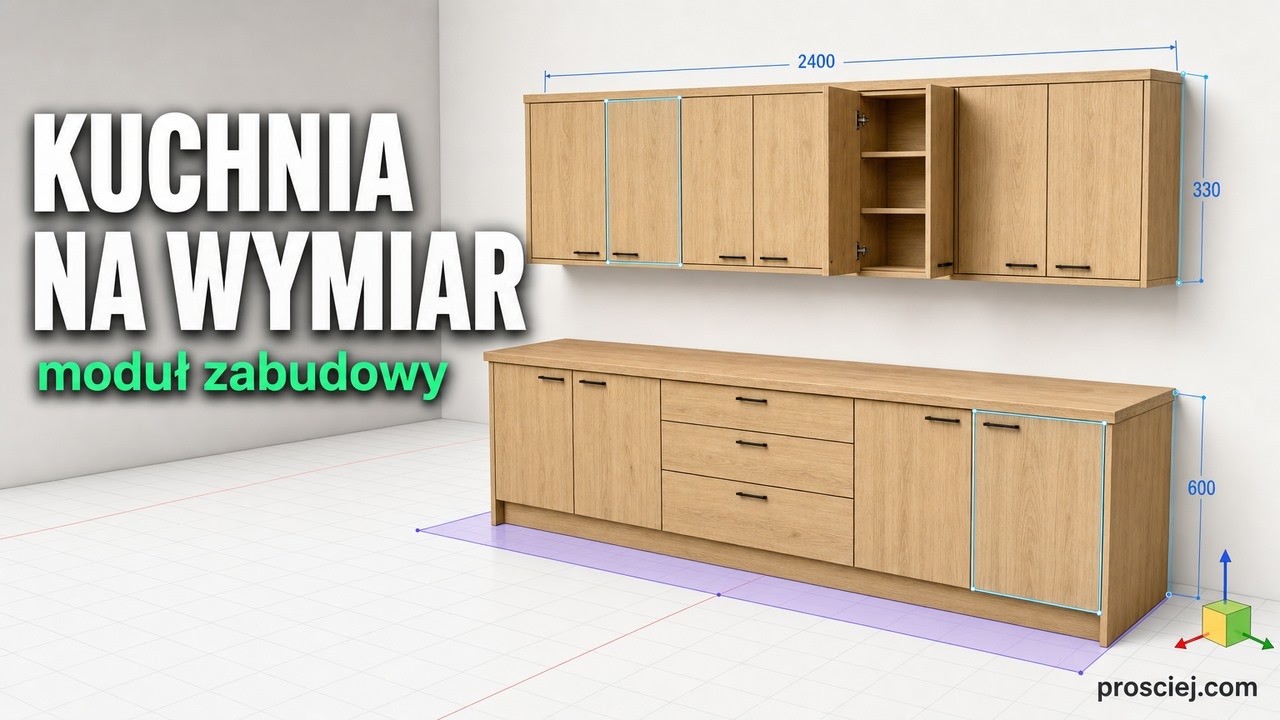
3D Kitchen Built-in: Base and Wall Cabinets Effortlessly
3D kitchen built-in: base and wall cabinets with custom depth, library units fitted to size, bottom cladding, and full-length countertop.